 OpenDM
Downloads, done properly.
OpenDM takes your browser's downloads and makes them faster, resumable and tidy. Free and open source, Mac and Windows.
Save the video in the quality you want
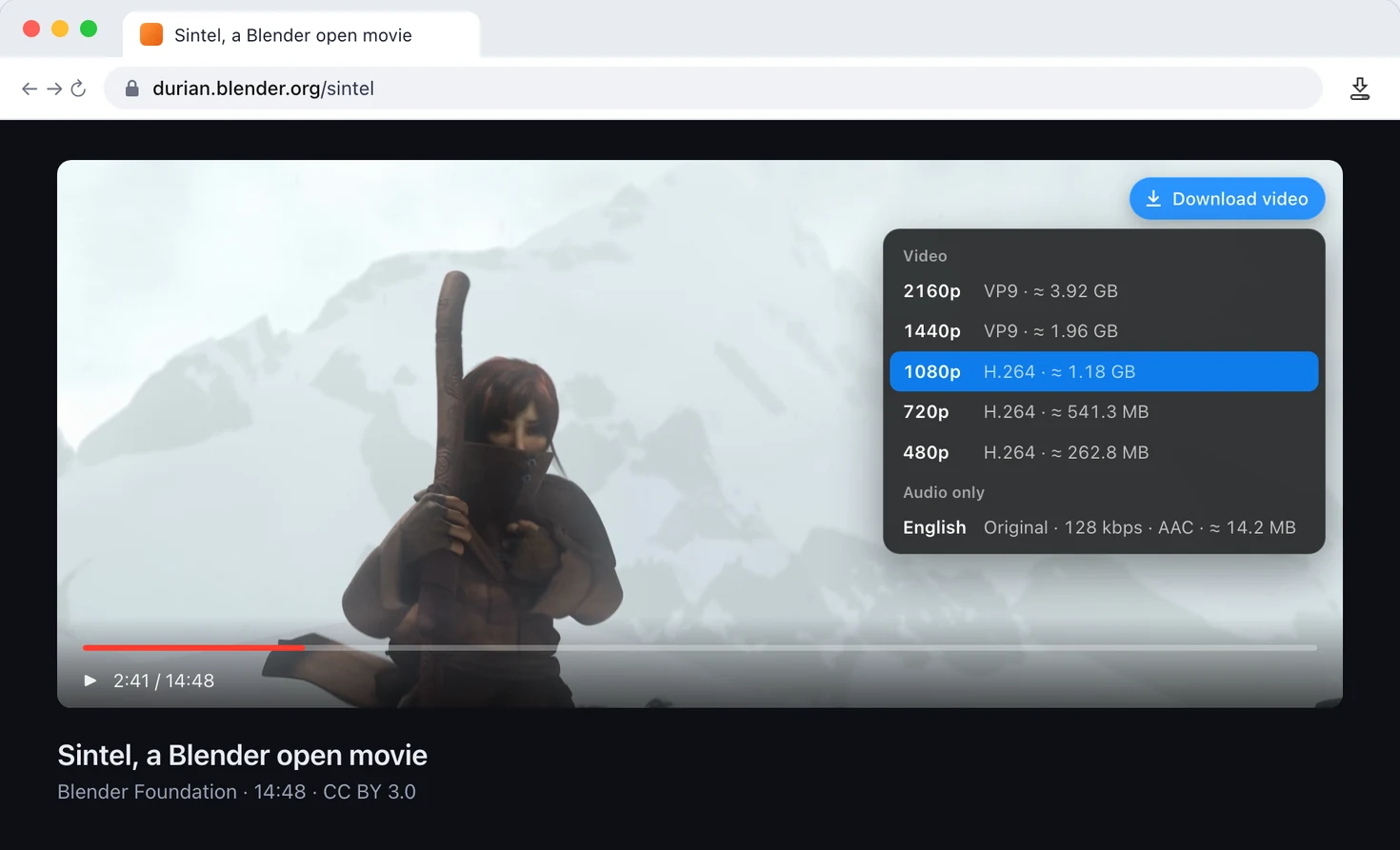
Hover a video and OpenDM Connect lists every resolution it finds, plus the audio on its own. Streaming video works too.
Everything a download manager should do
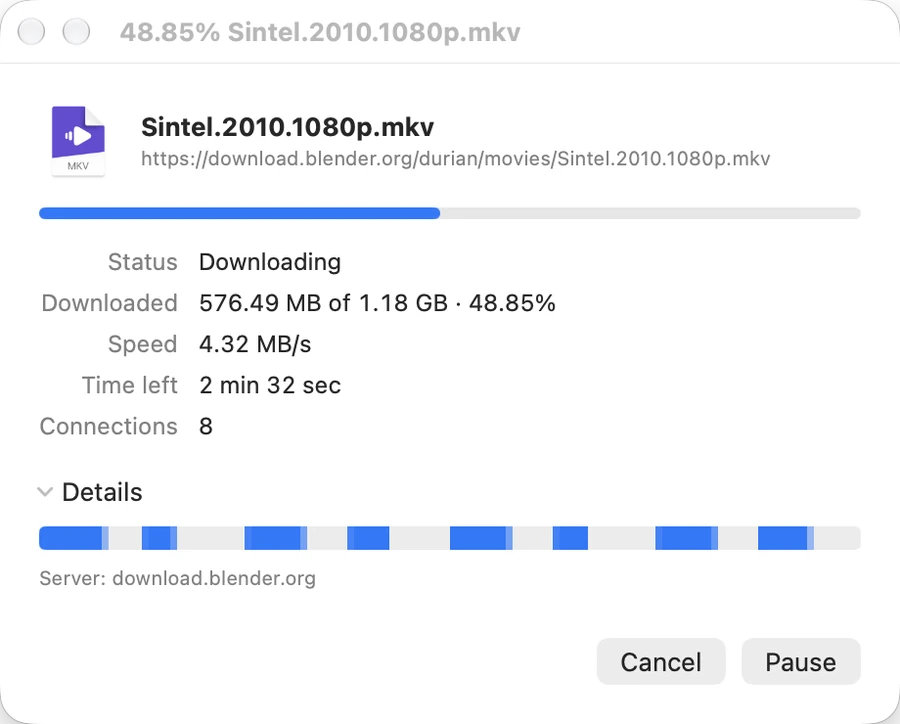
Many connections per file
Each download is split into parts that arrive in parallel. The progress window shows every part filling in.
Picks up where it stopped
Network drops, sleep and restarts keep what you already have. A download that fails partway tries again by itself.
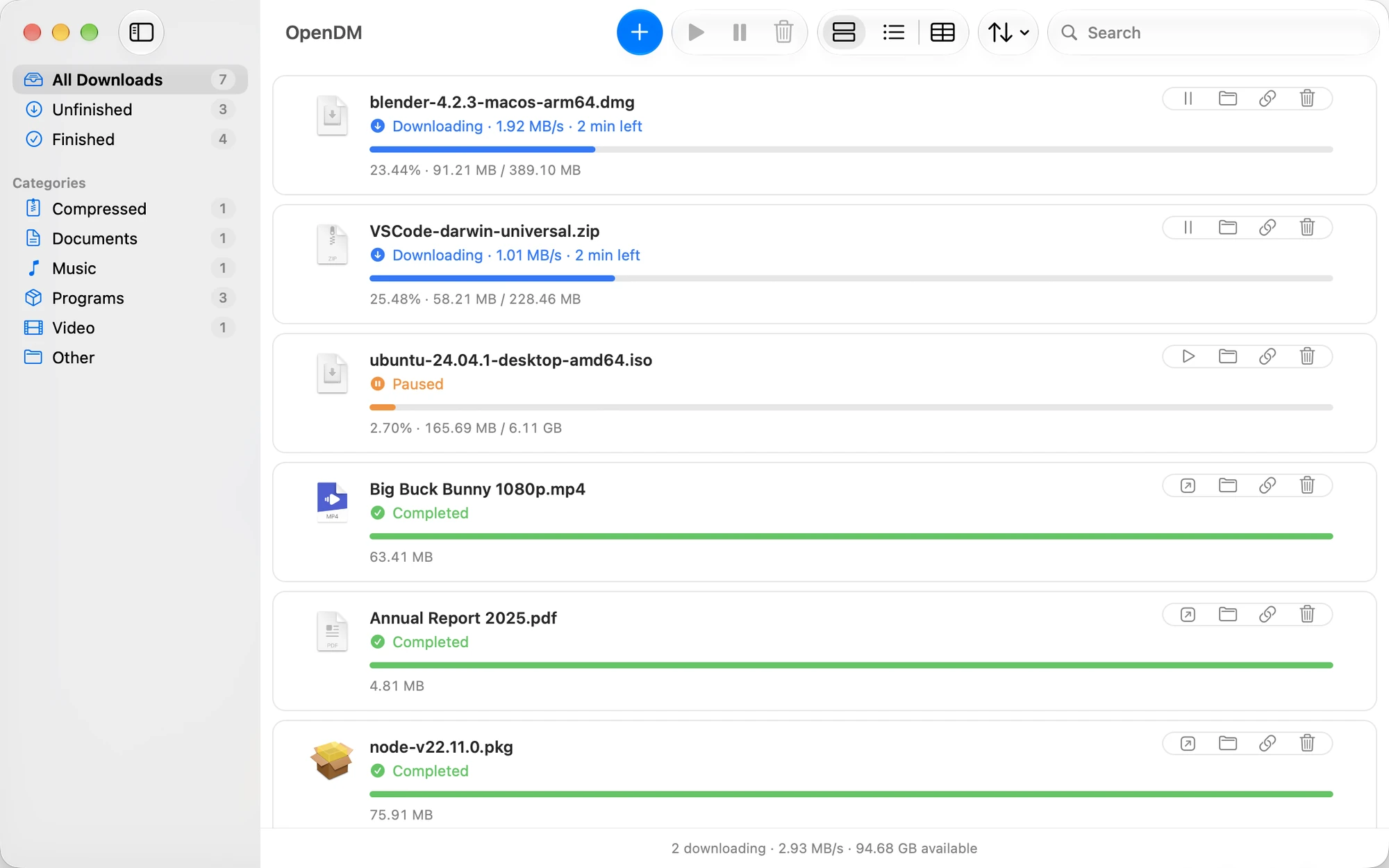
Sorted as it lands
Each file goes to a folder for its kind. Rename them, add your own, or turn sorting off.
- Video
- Music
- Documents
- Programs
- Compressed
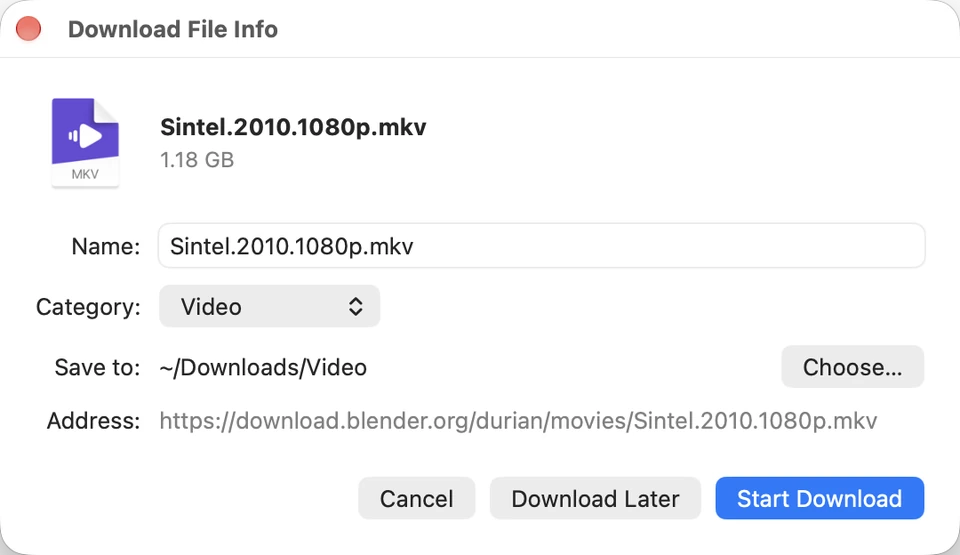
Name it before it starts
Choose the file name and folder while the download is already under way.
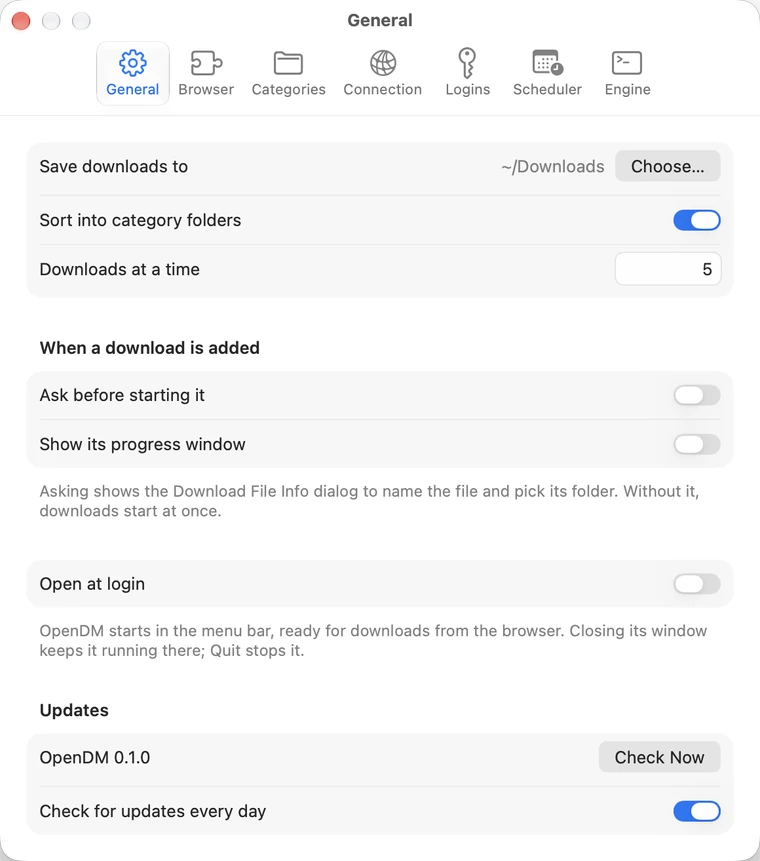
Settings when you need them
Speed limits, a scheduler, proxies, saved site logins and engine options. None of it is required.
No account, no analytics, no servers of ours. The extension talks only to the app on your computer.